Map
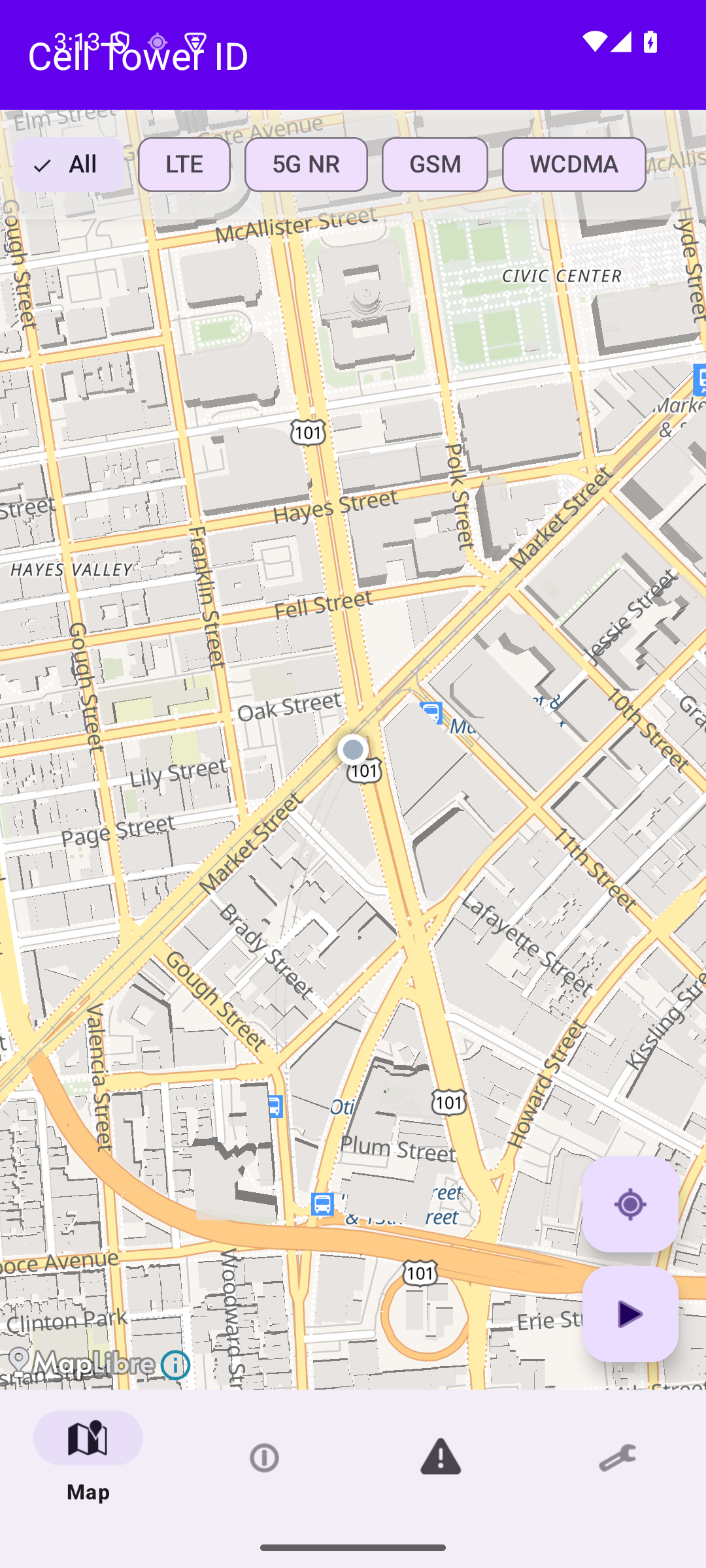
See every tower around you on an interactive map, with signal-strength heatmaps and filters for LTE, 5G NR, GSM, and WCDMA.
Cell Tower ID plots every tower around you, tracks signal strength as you move, and runs nine on-device checks for rogue base stations — with nothing ever sent to the cloud.
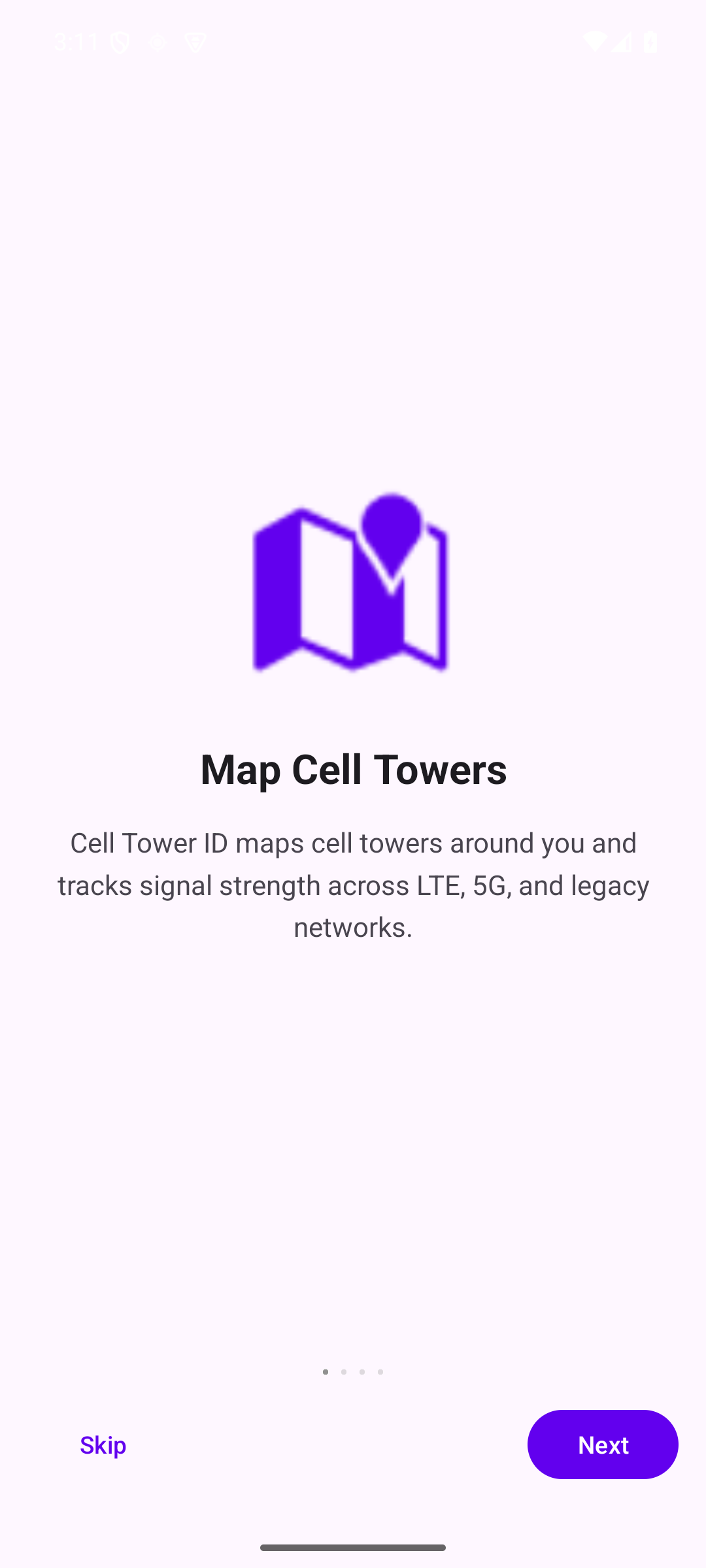
Built for security researchers, privacy advocates, and network engineers — and anyone curious about the cellular world around them.
See every tower around you on an interactive map, with signal-strength heatmaps and filters for LTE, 5G NR, GSM, and WCDMA.
Continuously log RSRP, RSRQ, SINR, and Cell IDs as you move. Walk toward a specific tower with hot/cold directional guidance.
Nine passive heuristics flag potential IMSI catchers — all on-device. No queries leave your phone.
No accounts. No subscriptions. No background data sales.
Filter by LTE, 5G NR, GSM, WCDMA. Tap any tower for full technical detail.
RSRP, RSRQ, SINR, RSSI, Cell ID, TAC/LAC, MCC/MNC — all visible in real time.
Signal anomalies, forced downgrades, transient towers, impossible moves, and more.
Hot/cold guidance walks you toward a specific tower's physical location.
Keep specific towers on the map even after they drop out of range.
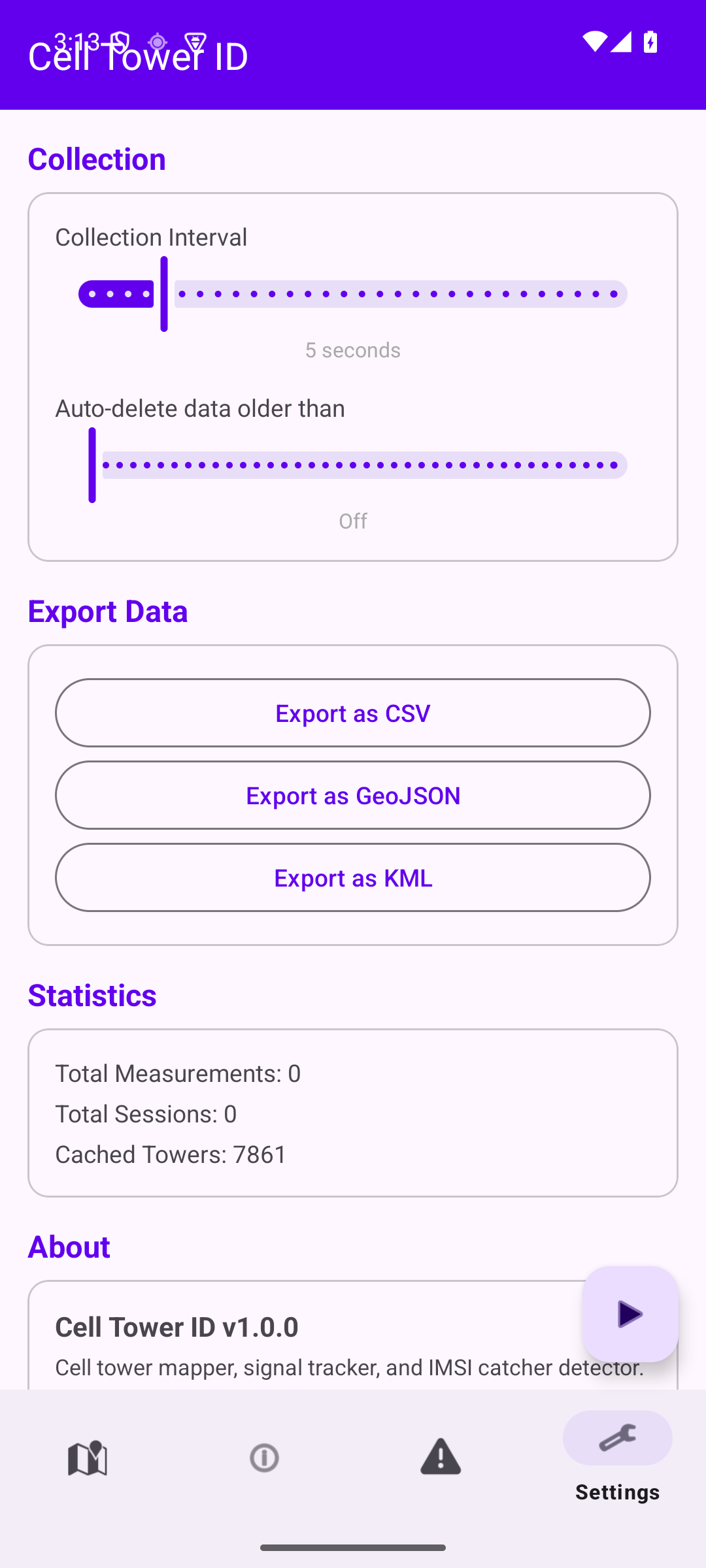
Take your data to a spreadsheet, GIS tool, or Google Earth.
Configurable retention from 1 day to 365 — or off entirely.
Keep monitoring with the screen off, with a persistent notification you control.
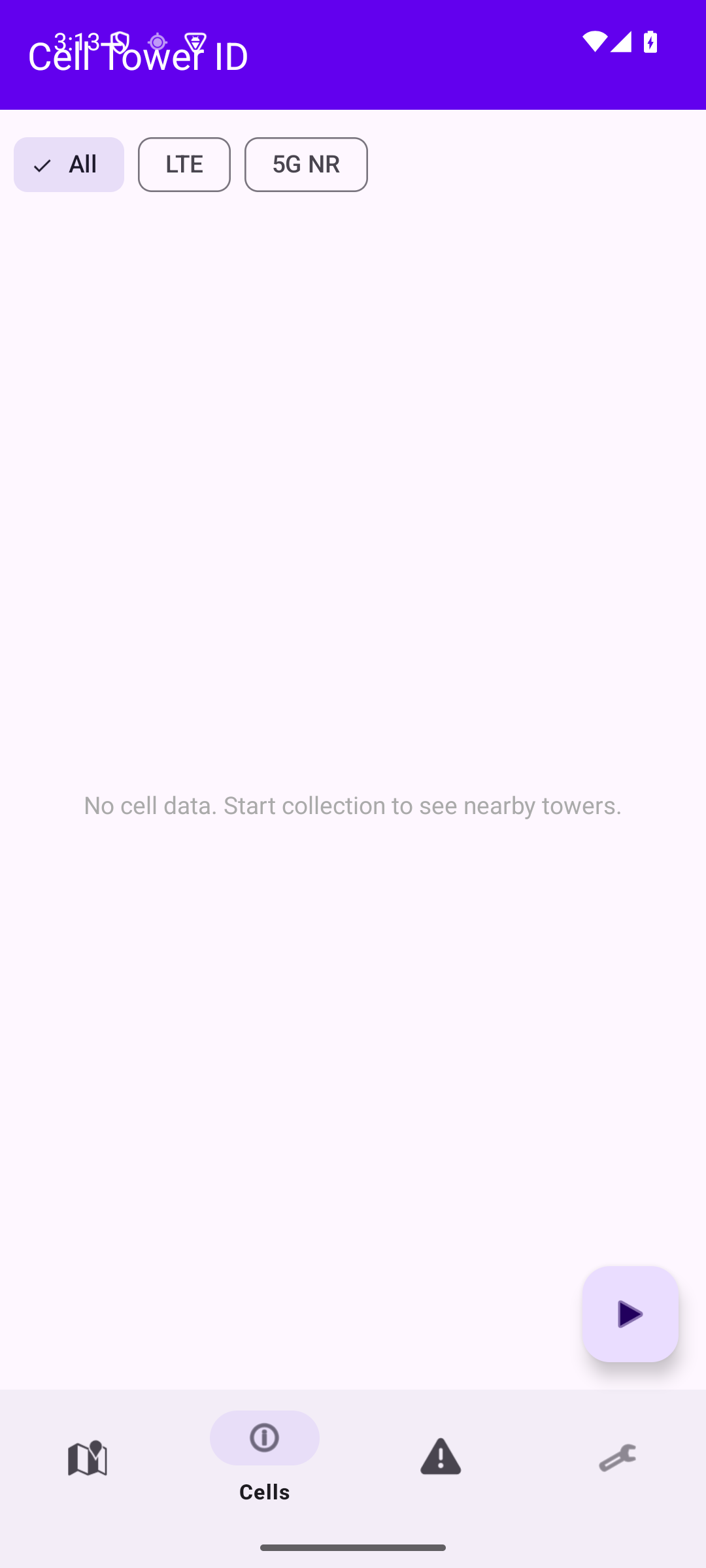
Five tabs, one focused workflow: map, cell list, alerts, and settings.
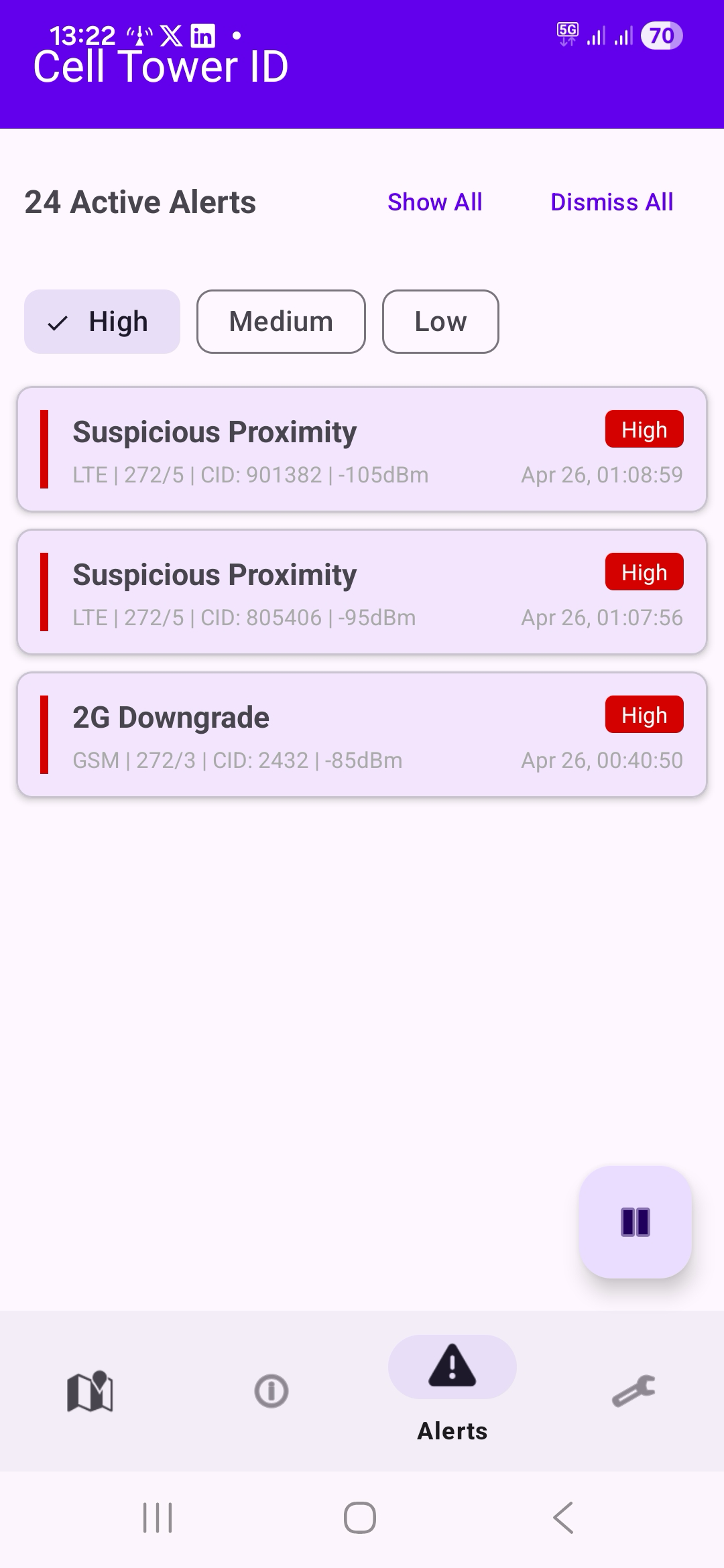
IMSI catchers (also called Stingrays, fake base stations, or rogue BTS) impersonate real cell towers to intercept calls, track location, or harvest device identifiers. Cell Tower ID watches for the telltale patterns of an active attack and surfaces a High-severity alert the moment one fires — entirely on-device, with no data sent anywhere.
This tower's observed position is more than 20 km from where you've seen it before. A legitimate tower doesn't move — if one appears to have relocated, it could be a cloned base station. The highest-severity alert.
Your phone was forced to switch from a modern network (LTE/5G) to 2G (GSM). This is a classic IMSI catcher technique because 2G lacks mutual authentication, allowing the attacker to intercept calls and data. The most concerning alert type.
This tower is broadcasting a network identity (MCC/MNC) that doesn't match any known carrier in your region. IMSI catchers sometimes use fabricated or mismatched operator codes. Relatively rare and worth investigating.
A tower is reporting a Timing Advance close to zero (you're within roughly 550 m) but its signal strength is only moderate. A real macro tower that close would saturate your signal. Portable IMSI catchers carried nearby often produce this pattern.
Your phone was forced from LTE/5G down to 3G. Forced downgrades to older radio technologies can be a step toward a 2G attack, or indicate a rogue base station that only speaks 3G.
Signal strength from this tower is significantly stronger than the average for its operator in your area. IMSI catchers often broadcast at high power to force phones to connect.
This tower appeared briefly then disappeared. Vehicle-mounted IMSI catchers exhibit this pattern — they operate for a short time then move on.
The Location Area Code or Tracking Area Code changed unexpectedly on the same operator. IMSI catchers may use different area codes than legitimate towers.
This cell has been observed broadcasting a different Physical Cell ID than before. Real base stations don't change their PCI — a change can indicate a cloned cell.
Privacy isn't a marketing line for Cell Tower ID — it's the architecture.
Every measurement Cell Tower ID makes — cell IDs, signal strength, GPS positions, anomaly events — is written to a SQLite database on your device. It is never uploaded, synced, mirrored, sold, shared, or telemetered.
The app makes exactly one outbound network request: fetching map tiles from OpenFreeMap. No user data is included in those requests, and you can use the app without an internet connection — only the map background goes blank.
You decide when collection starts, when it stops, and when data is deleted. Configure auto-delete from 1 to 365 days, or wipe the lot through Android's Clear Data option.
No. The app uses only Android's public CellInfo API and GPS. There are no system modifications and no root requirements. It runs as a normal app on any unmodified Android 7.0+ device.
No. All measurements are written to a local SQLite database on your phone and never transmitted to any server. The single network request the app makes is to tiles.openfreemap.org for map tiles, and no user data is included with those requests.
Android 7.0 (API 24) and newer, up through Android 15. Roughly any phone shipped from 2016 onward.
Yes. All nine detection heuristics run entirely on-device with zero network requests. Map tiles need an internet connection to render the background, but if you're offline you'll just see a blank map — detection keeps running.
Precise location (ACCESS_FINE_LOCATION) is required — Android needs it to return CellInfo data on API 29+. Background location is optional but recommended, since transient-tower detection needs the app to keep running with the screen off. The foreground-service and notification permissions are used to show the persistent collecting indicator and surface alerts.
An IMSI catcher (also called a Stingray, fake base station, or rogue BTS) is a device that impersonates a legitimate cell tower. Phones in range may attach to it instead of the real network, allowing the operator to capture device identifiers, log location, or in some cases intercept calls and SMS. They're sold to law enforcement, used by intelligence services, and — increasingly — built by hobbyists with off-the-shelf software-defined radios.
No, and the app is honest about that. Some alerts have legitimate explanations — a 2G downgrade in a rural area, a transient tower you drove past, GPS drift causing an apparent "tower move." For each anomaly type the app shows context (and many are suppressed automatically while you're driving) so you can judge whether to investigate. Treat alerts as signals worth a second look, not a verdict.
Yes — CSV, GeoJSON, or KML, from the Settings tab. Exports are user-initiated and shared only with whoever you choose (email, file manager, etc.). Drop the GeoJSON into QGIS or open the KML in Google Earth for spatial analysis.
Cell Tower ID is a one-time purchase. No subscriptions, no in-app upgrades, no ads.
Get it on Google Play